SooQna
سوقناA marketplace for smart electronics in Bahrain, where the listings are checked by AI and the money waits in escrow.
- Category
- Marketplace, 11 kinds of smart device
- Built with
- Flutter, Supabase, Google Gemini
- Course
- ITCS498 Senior Project, University of Bahrain, 2025 to 2026
- Team
- Mahdi Haji and two teammates, supervised by Dr. AbdulFattah Salman
Summary
Buying a used phone should not need a leap of faith.
General classifieds list everything from cars to jobs and leave trust to the two people involved. SooQna narrows the scope to smart devices and builds trust into the flow: photos are checked before they appear, payment sits in escrow until the buyer is happy, and ratings only unlock after a real deal.
Listings and AI checks
Every photo is checked before anyone sees it.
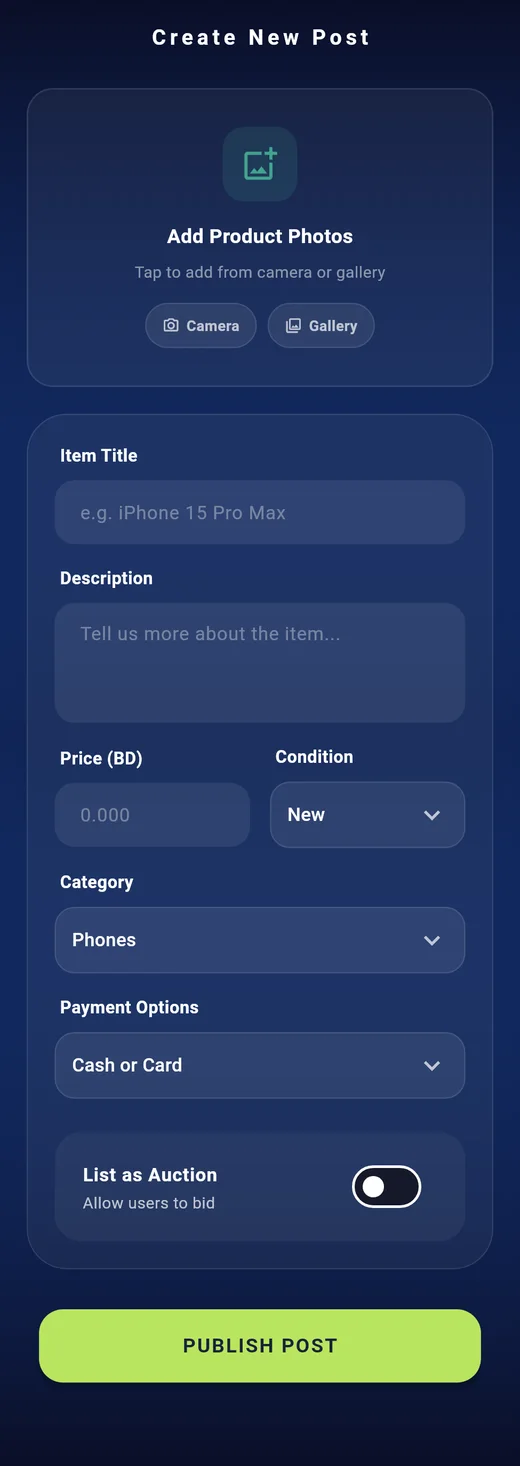
When a seller posts, the text goes through a moderation check for scams, spam and prohibited items, and each photo is sent to a vision model that decides whether it really shows a smart device, whether it is safe, and whether it is clear enough. Pick a photo to see the check run.
- Check the file: size up to 20 MB, and the real type from its first bytes (JPEG, PNG or WebP)
- Screen the title and description for scams and spam
- Ask the vision model about device type, safety and clarity
- Upload the photo and mark it validated
Model verdict
- Only photos marked validated are ever shown in the feed, so a rejected image never leaks into search.
- The key for the AI service lives in a server function. The app never holds it.
- If the AI service is over quota or down, the check fails open, so sellers are not blocked by an outage.
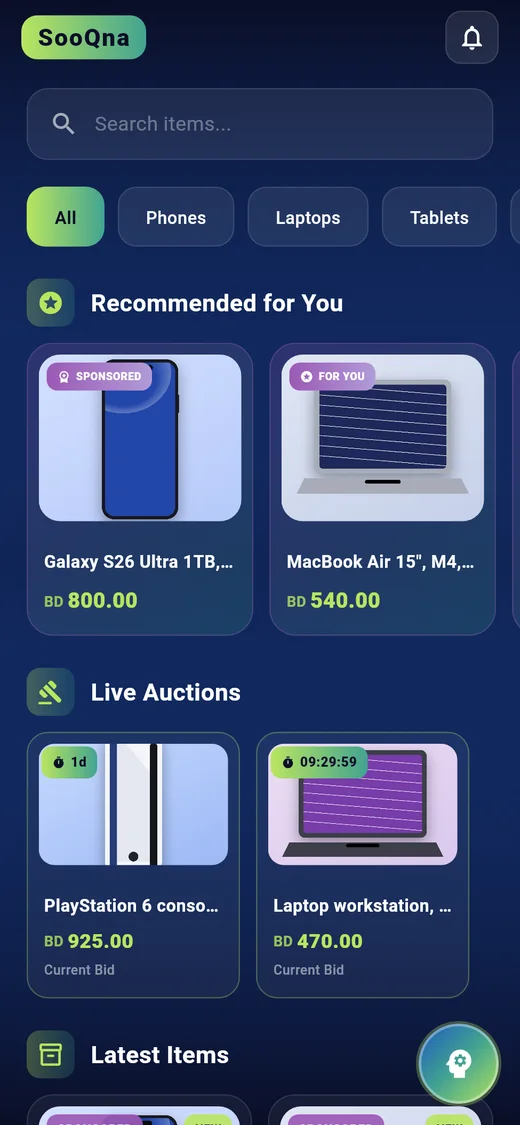
- Listings can be fixed price or an auction, with a payment option of cash, card, or either.
Auctions and wallet
Bidding holds your money. Being outbid gives it back.
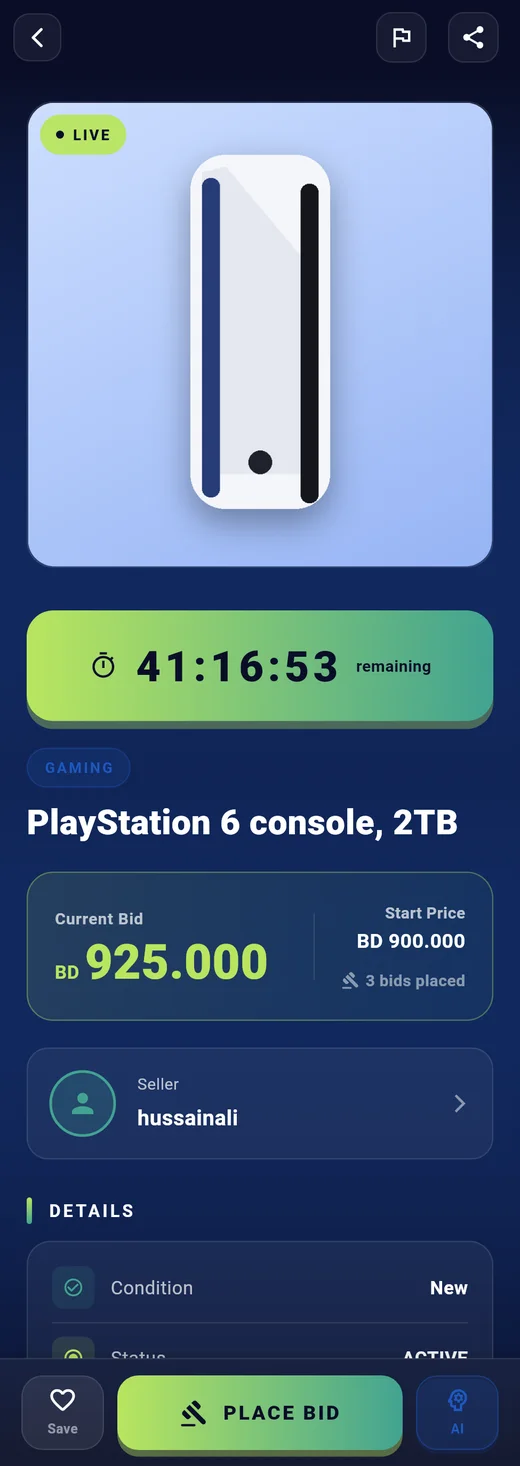
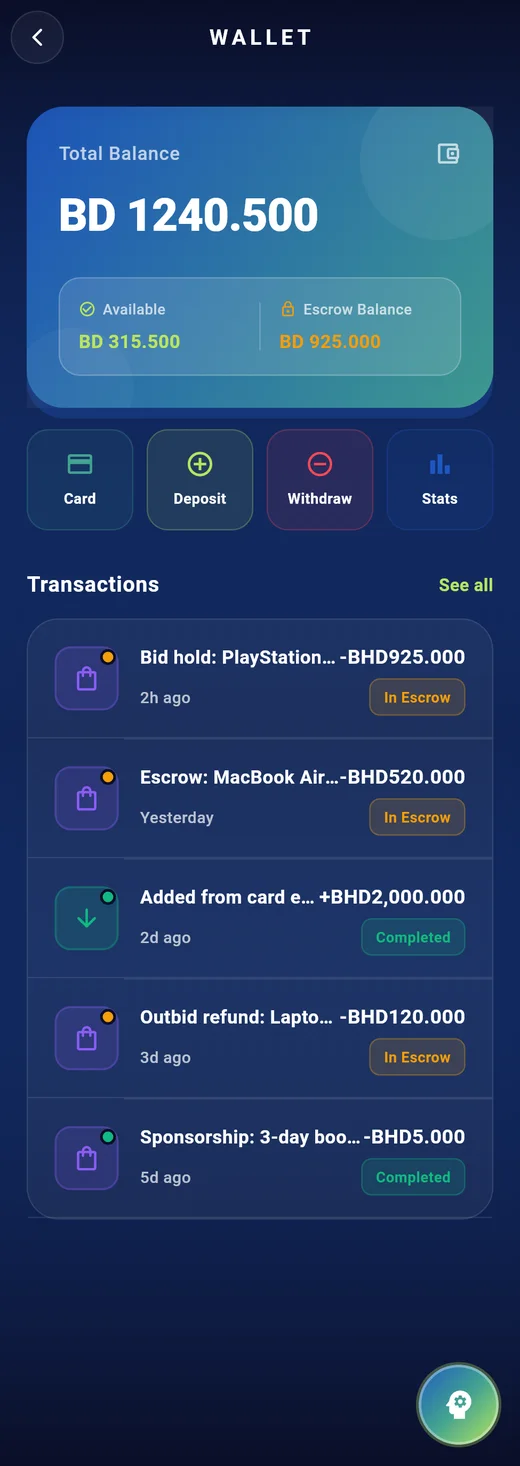
Every bid reserves that amount in your wallet, so a winning bidder can always pay. When someone outbids you, the hold is released immediately. Try it against two rival bidders who each have a hidden limit. Set an auto-bid ceiling and the system keeps raising your bid for you.
Wallet
Ledger
- A bid must beat the current highest, and your available balance must cover it. With an auto-bid, it must cover the ceiling.
- Quick buttons raise by 1, 5 or 10 BHD, and a database function validates each bid against the current highest.
- When the auction ends, a server function converts the winner's hold, pays the seller and marks the item sold.
- The price, bids and timer update live on every phone watching the auction.

Offers and checkout
A deal is not done until the buyer has tried the item.
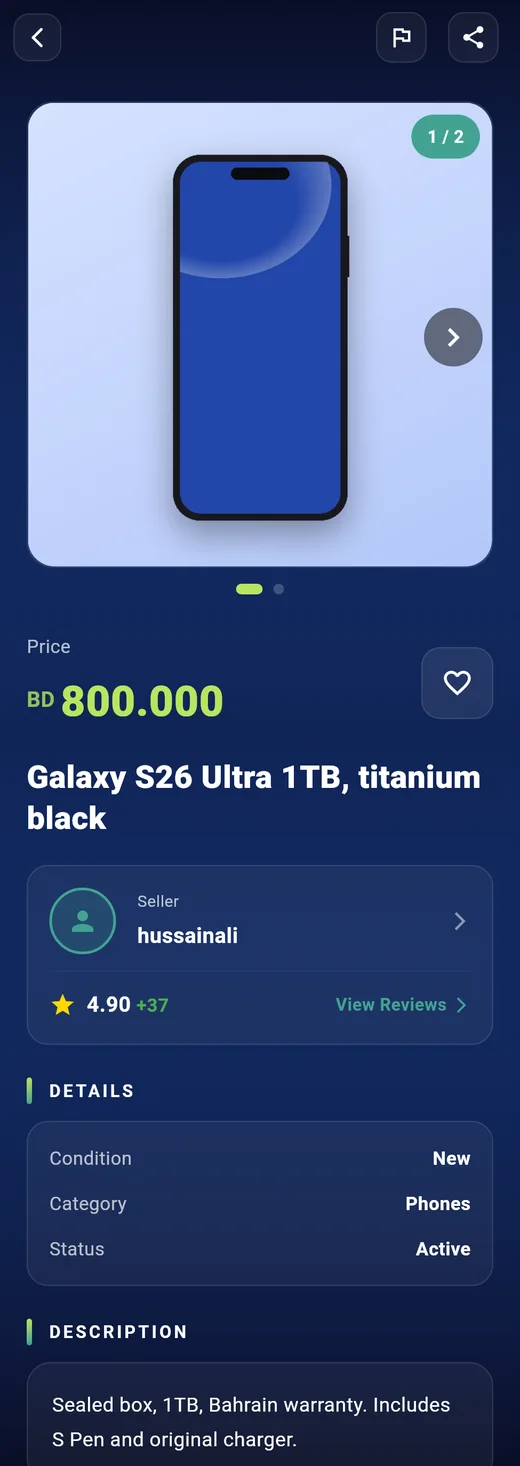
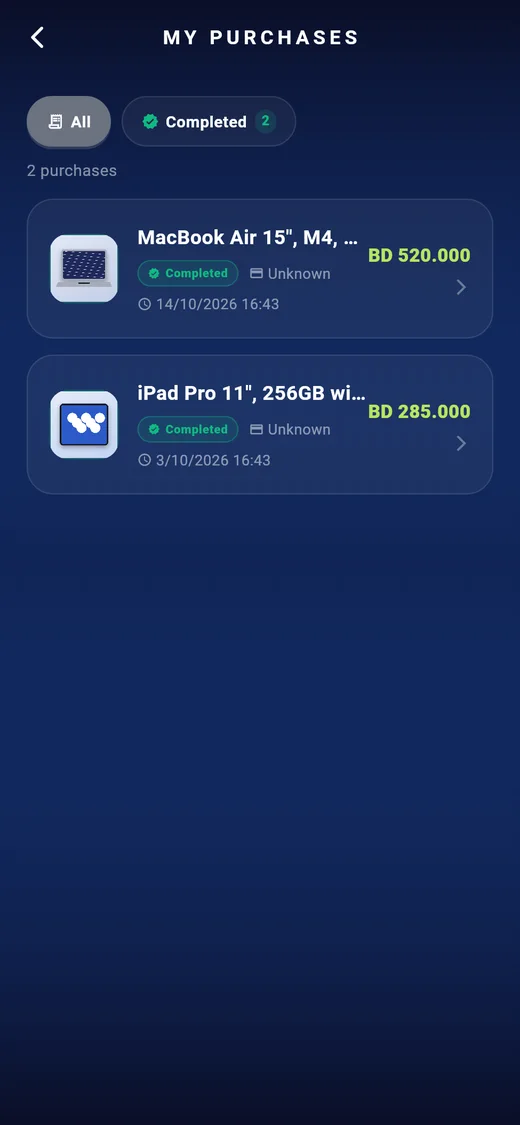
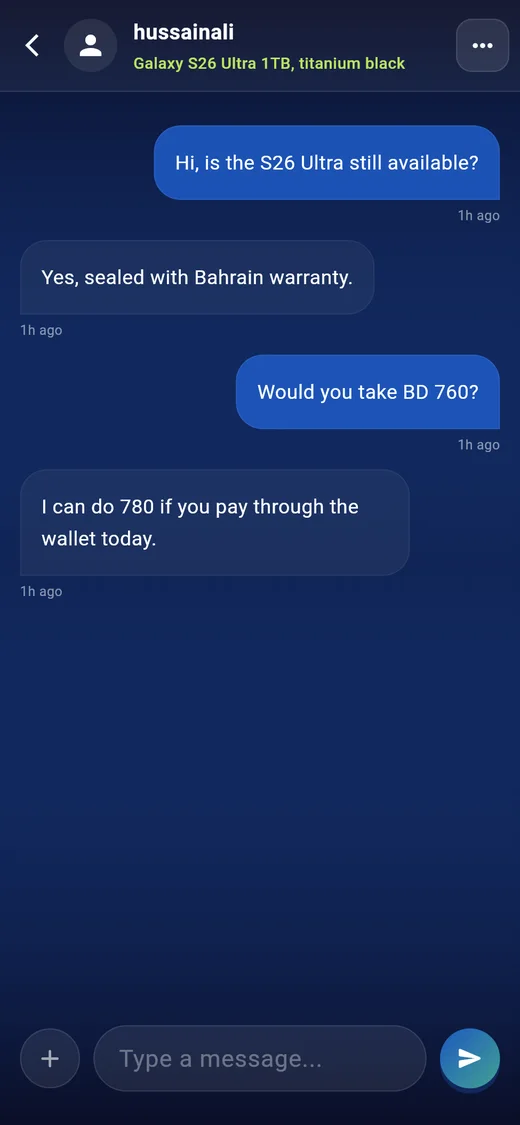
Buyers can buy now, make an offer in private chat, or bid. Whatever the route, paying through the app puts the money in escrow, and there is a two-day inspection window before it reaches the seller.
- Cash or card. Cash deals show a clear disclaimer about who is responsible. Card payments use the wallet, which can be topped up and withdrawn.
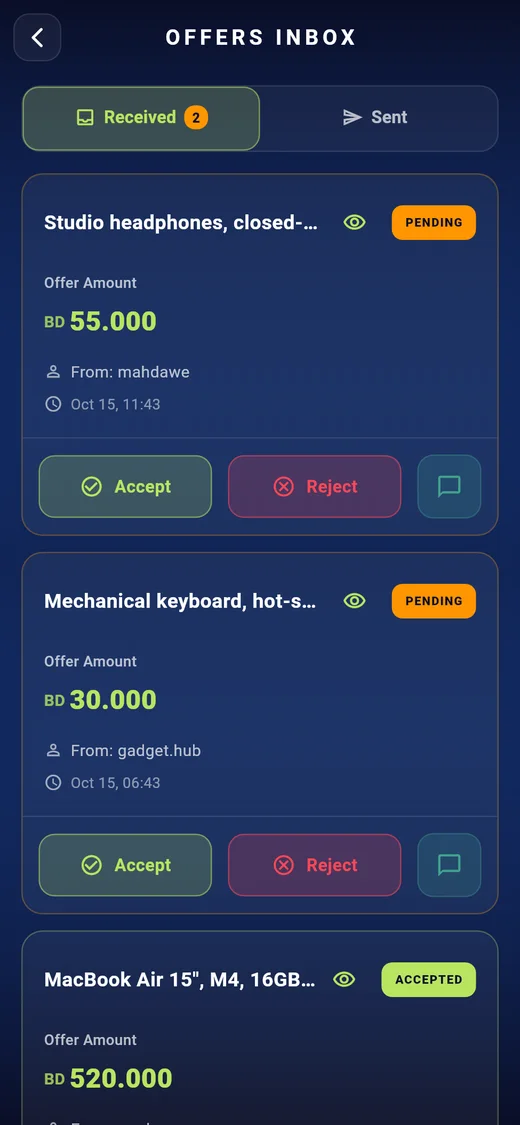
- Offers inbox shows pending, accepted and rejected offers to the seller, and the buyer's own sent offers.

Chat and trust
Reputation you can only earn by completing deals.
- Chat per listing. Photos, replies to a message, read receipts, and times shown in Bahrain time. The chat list loads in two requests however many chats there are.
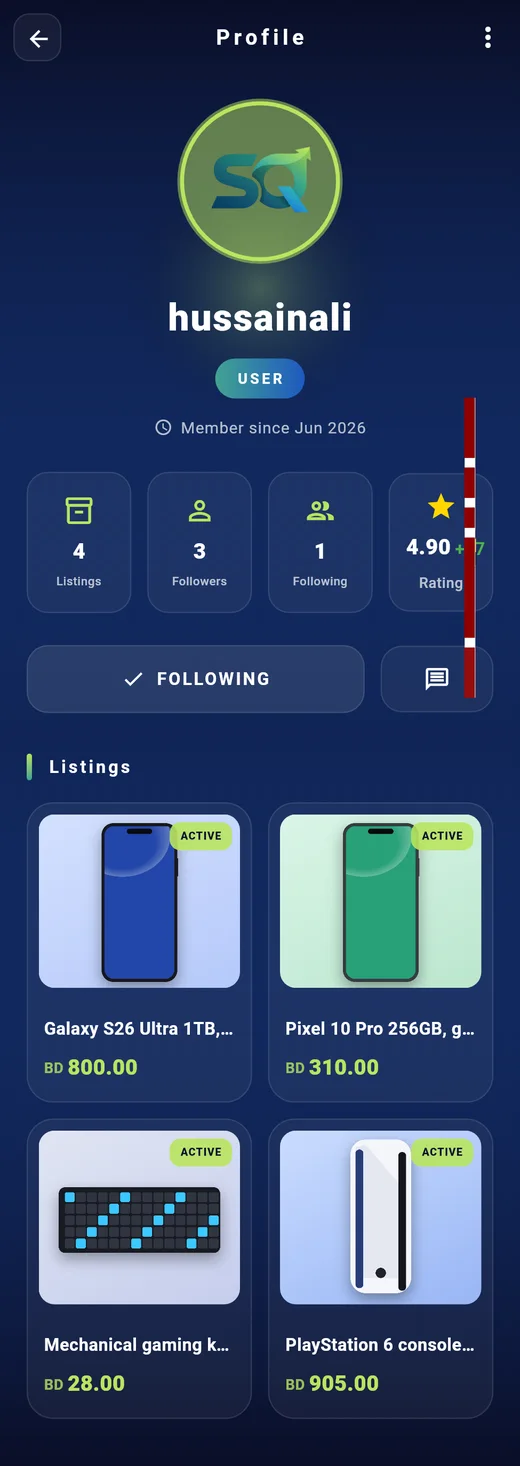
- Ratings. One to five stars and a comment, one rating per pair of users, and only after a completed transaction. A database trigger keeps each user's average up to date.
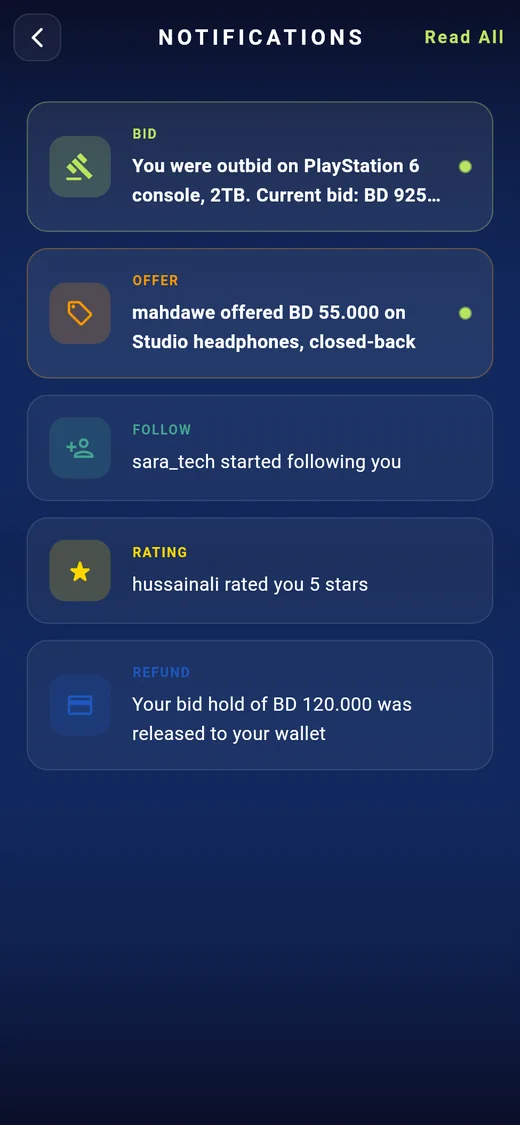
- Profiles and follows. Public profiles show listings, followers and rating. Notifications are typed and colour-coded: offers, bids, follows, refunds, ratings, sponsorships.
- Reports and complaints. Anyone can report an item, a user or a transaction. Complaints can include evidence photos.
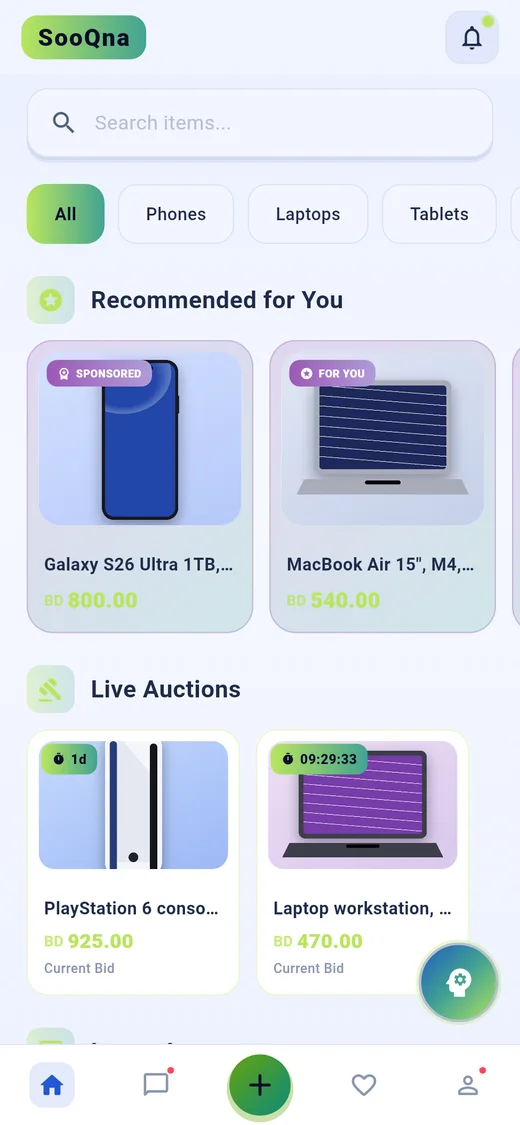
- Feed that learns. Views, saves, offers and purchases shape the recommended items, with trending as the fallback.
AI assistants
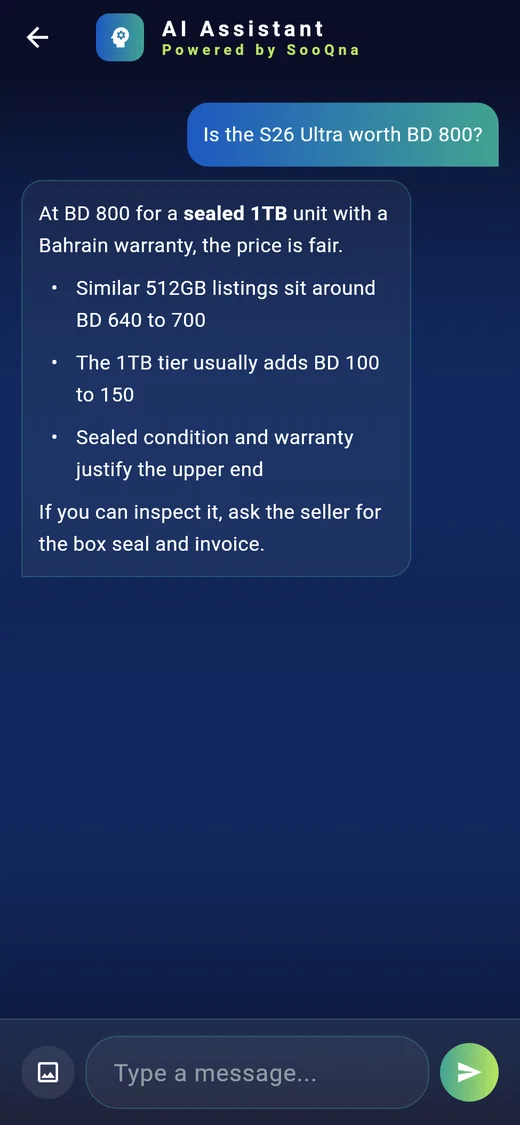
Ask about an item, or ask what price to set.
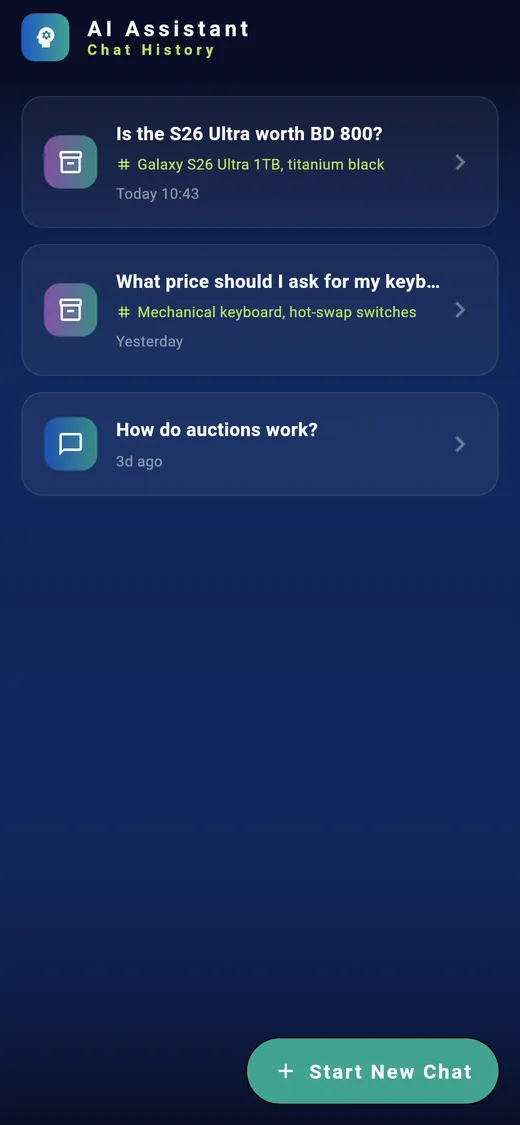
The shopping assistant does not guess. When a question sounds like a product question, in English or Arabic, the app first looks up matching live listings by category, price range and condition, and gives the model that data to answer from.
- Ask AI on a listing. Starts a chat that already knows the item's title, price and description.
- Sellers can ask what price to put on their own item.
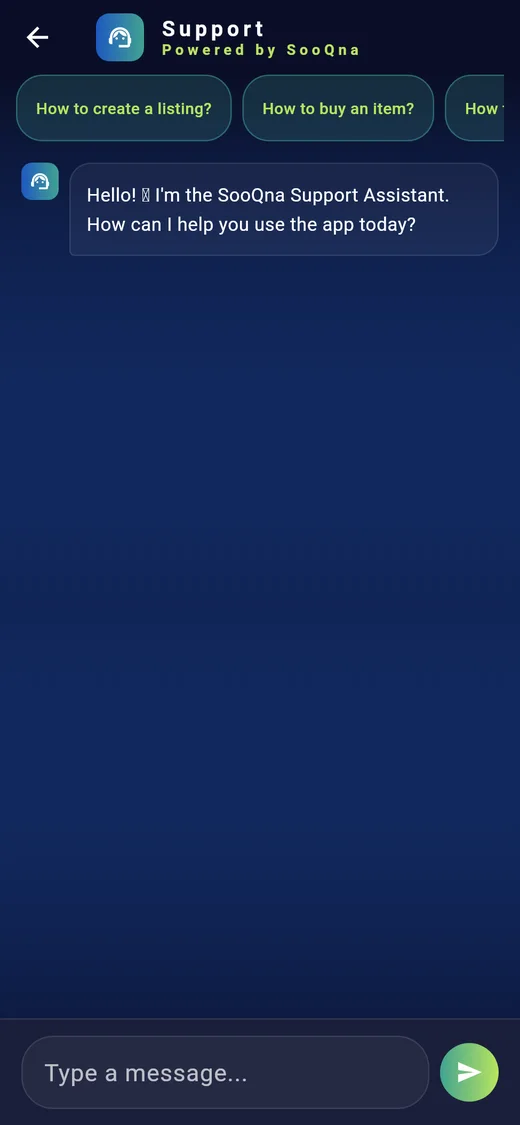
- Support assistant answers how-to questions with suggestion chips, such as how to create a listing or buy an item.
- History. Chats are saved as sessions you can reopen, and can include images.
Sponsors, roles and admin
Three kinds of account, and an admin who can step in.
| Role | What they do |
|---|---|
| User | Browse as a guest, or sign in to buy, sell, bid, chat and rate. |
| Company | A business account that signs in through the same screens and uses the same app. |
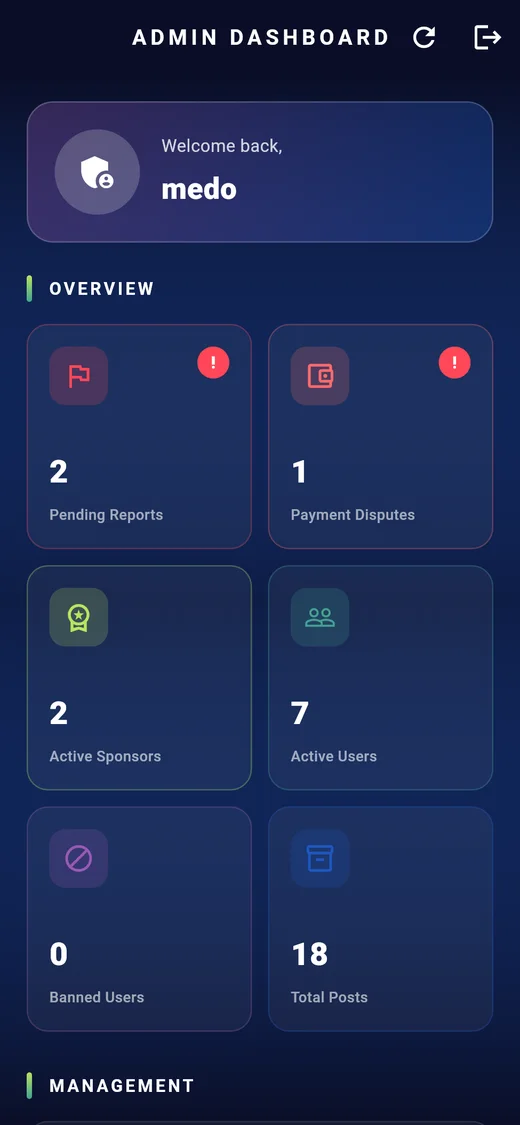
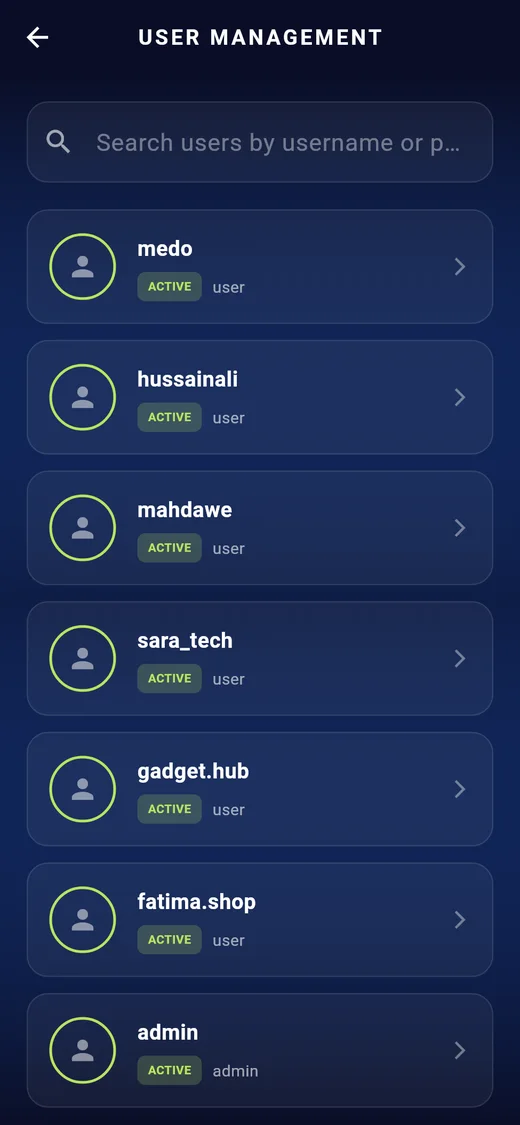
| Admin | A separate dashboard: reports, payment disputes, sponsorship requests, user management and analytics. |
- Sponsored listings. Users and companies can sponsor a listing. Pick a package, pay from the wallet, and optionally upload a banner within the size and duration limits. An admin approves it, and banners are shuffled so no sponsor always sits first.
- Disputes. Admins review the evidence and release a full refund, a partial refund or reject the claim.

How it is built
No server of our own: the app talks to Supabase.
Screens call services, and services call Supabase tables, database functions, realtime channels and storage. The only server-side code is a handful of small edge functions that call Gemini for chat, support and moderation. Flutter's own state is enough: three providers handle theme, language and the unread badges, and everything else is local to the screen.
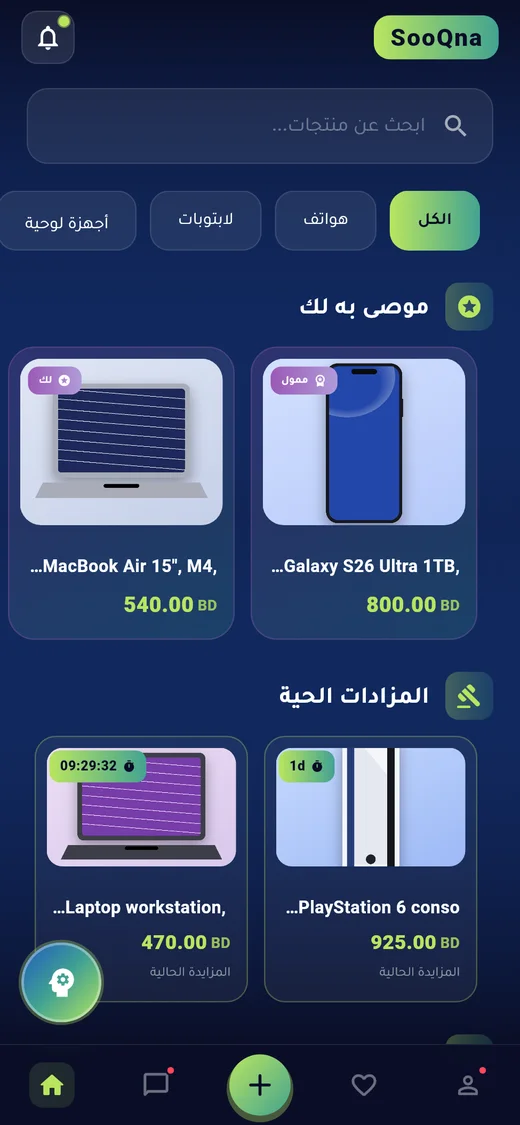
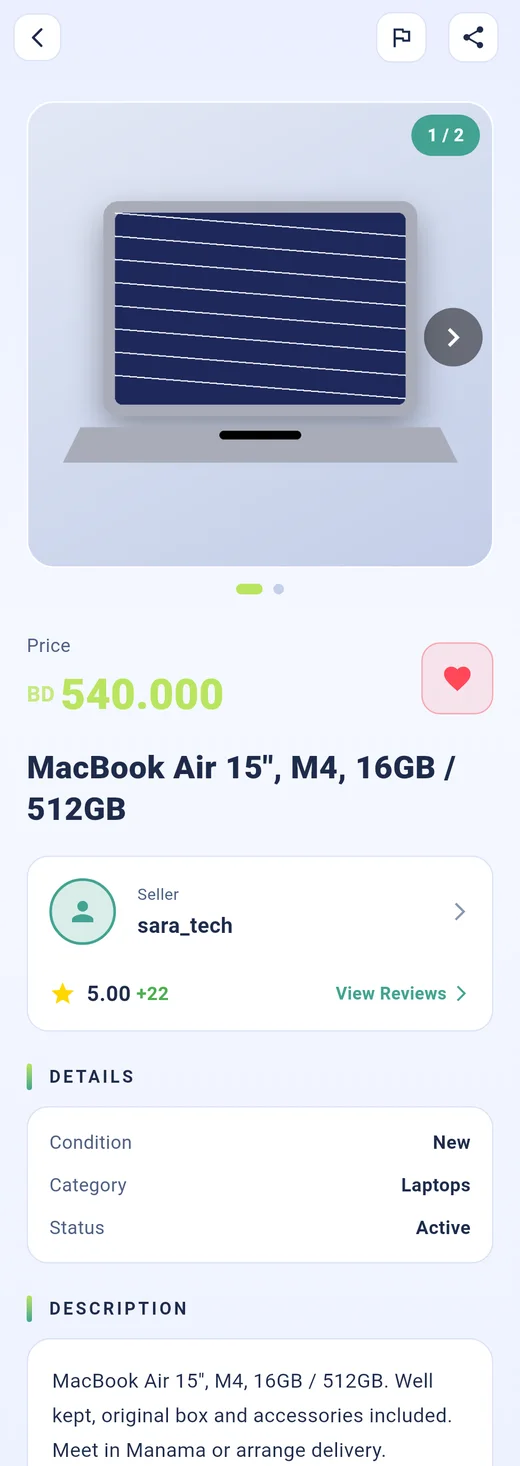
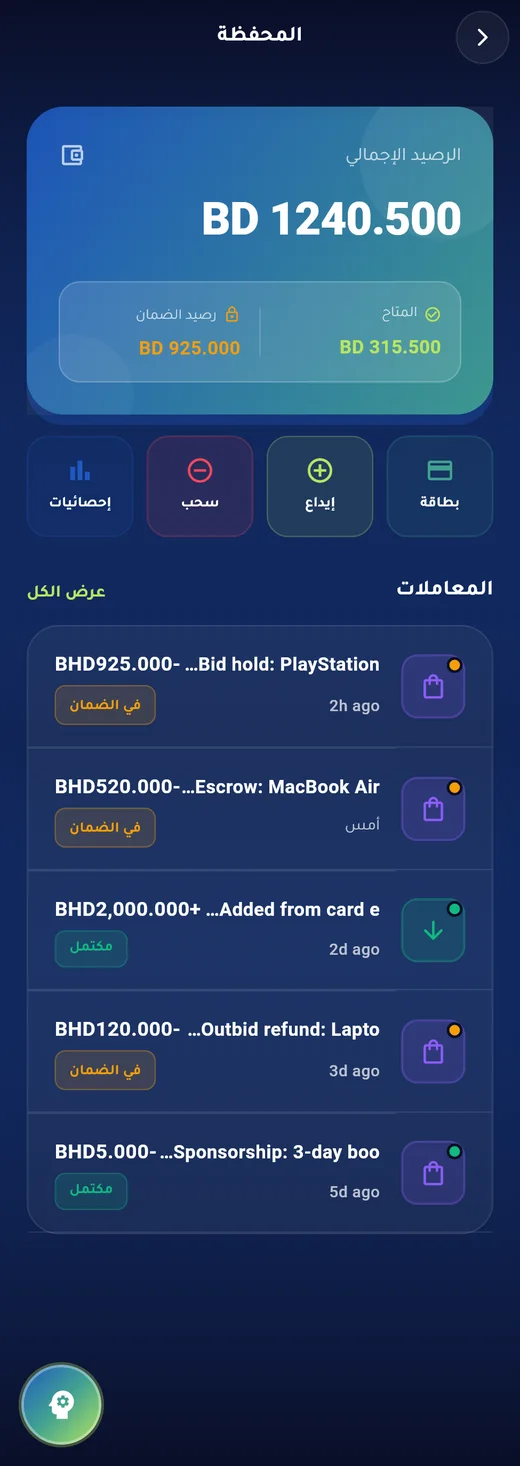
Team
A senior project for the Department of Computer Science, College of Information Technology, University of Bahrain, academic year 2025 to 2026. All screens on this page are the real app, rendered with demo data and generated illustrations.